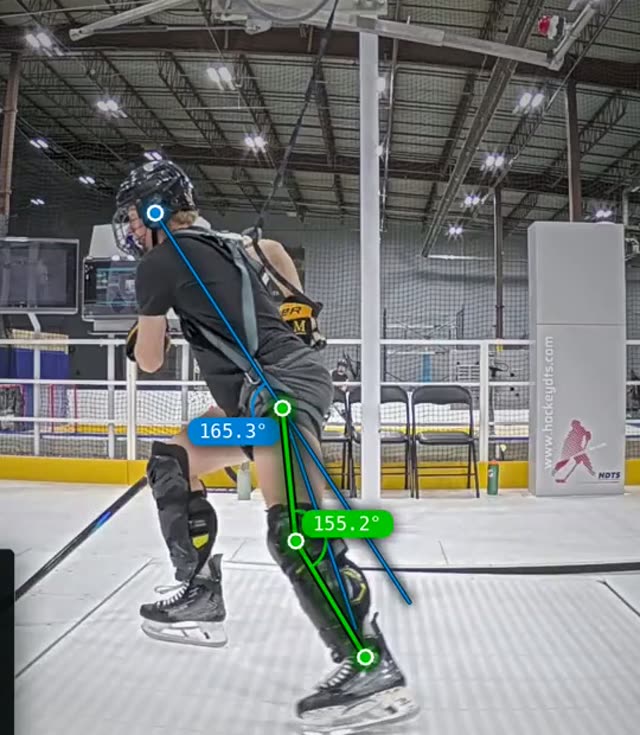
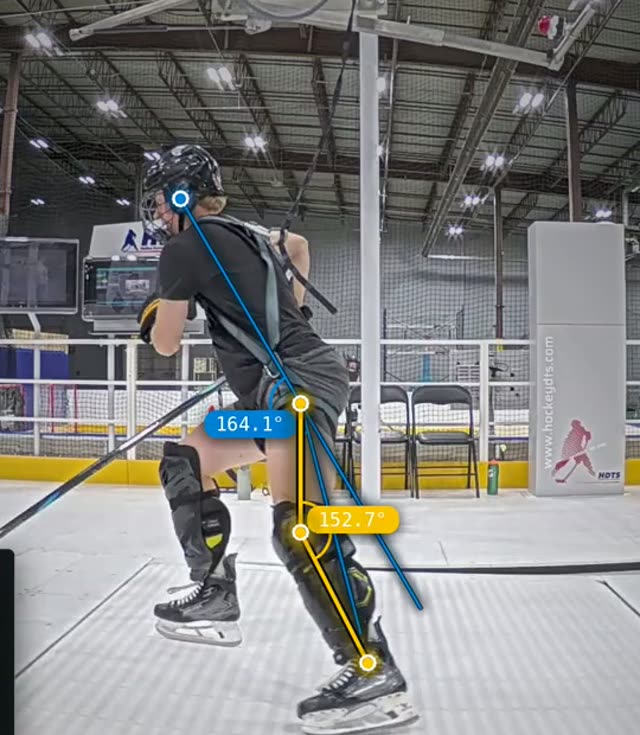
Skating run
Sep 15, 2026 · 16 km/h · slope -1°
Leg extension
Side camera
160°
Excellent
Inner knee angle
Side camera
114.5°
Area for development
HDTS Skating Analysis records a player on the Hockey Skating Treadmill with two cameras, tracks the body frame by frame and grades each key position of the stride and of the sprint start in five bands. This page explains what it measures, what a real report looks like and how coaches work with it.
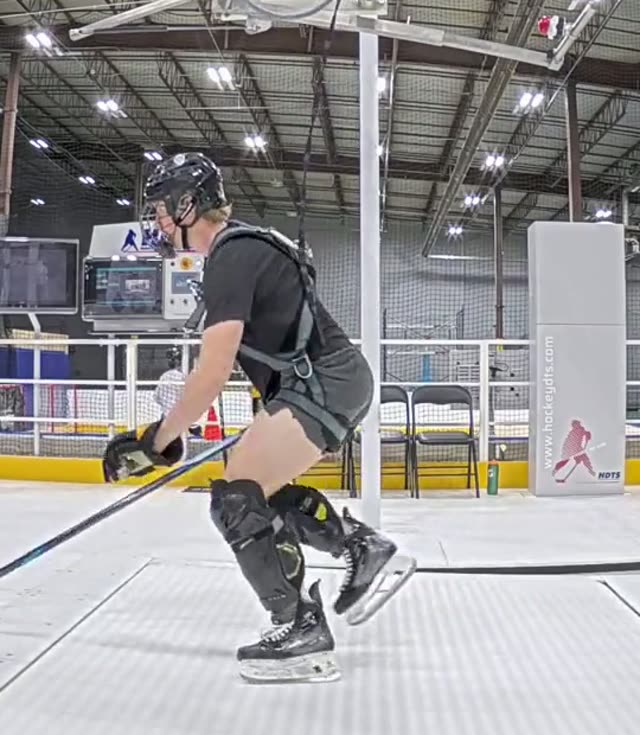
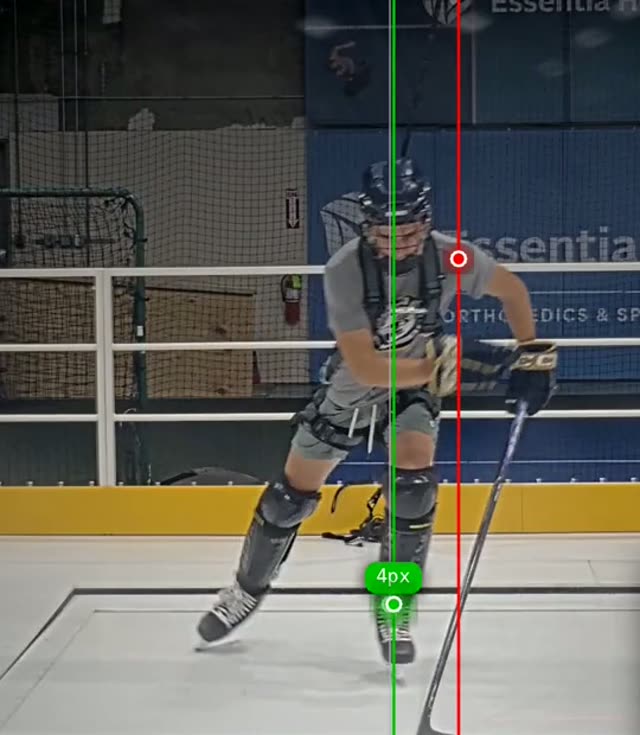
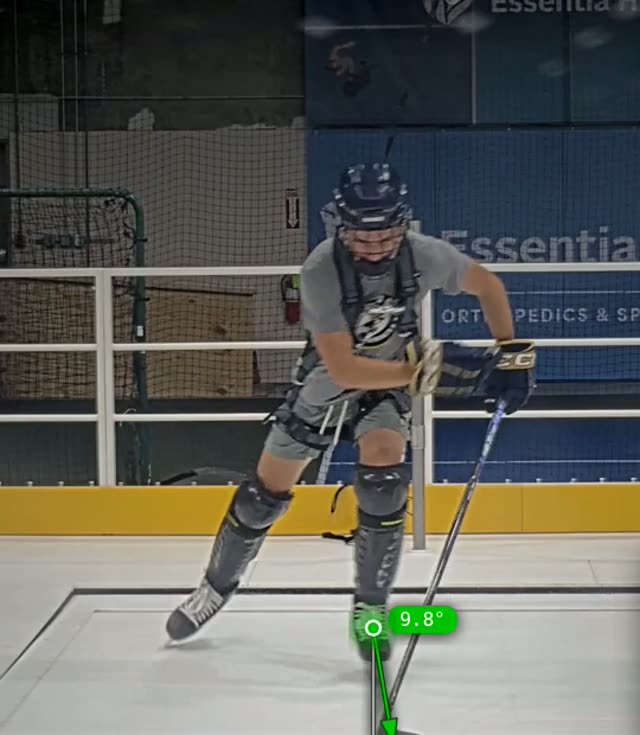
Side camera · Leg extension · live measurement
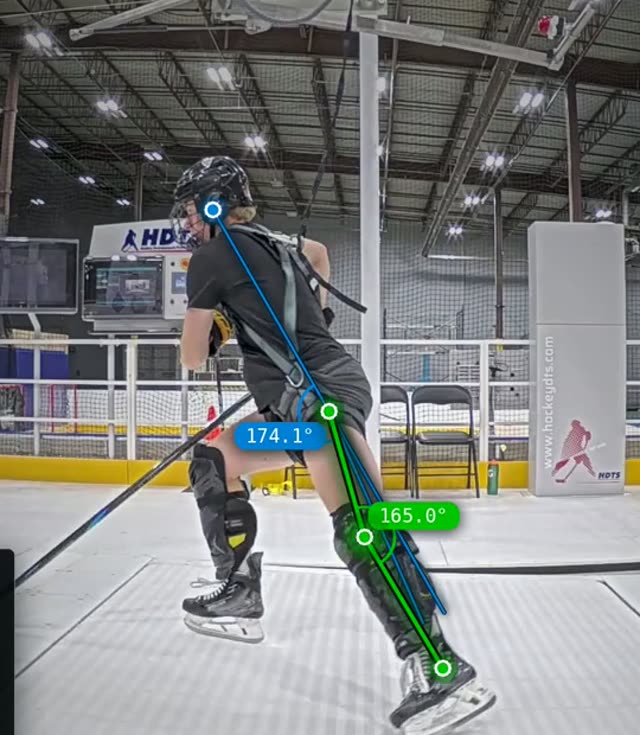
The analysis runs in the Fusion Skating Zone: the player skates on the HST treadmill, two high-speed cameras record from the front and from the side, and the HDTS engine grades each position against its optimal range. No manual tagging, no frame counting by the coach.
01 · Transactional skating
The stride at a steady speed. The engine measures the push-off leg, the glide leg, the blade and the upper body over ten skating cycles and grades eleven positions.
02 · The sprint start
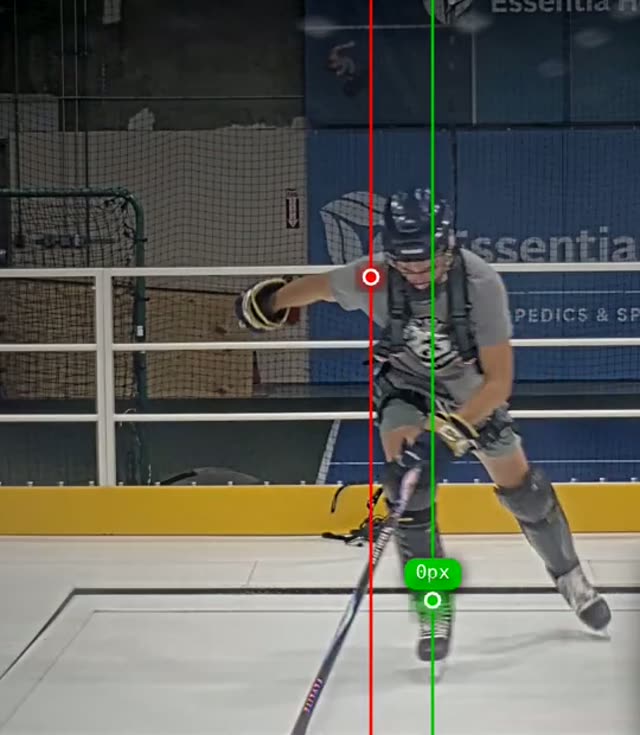
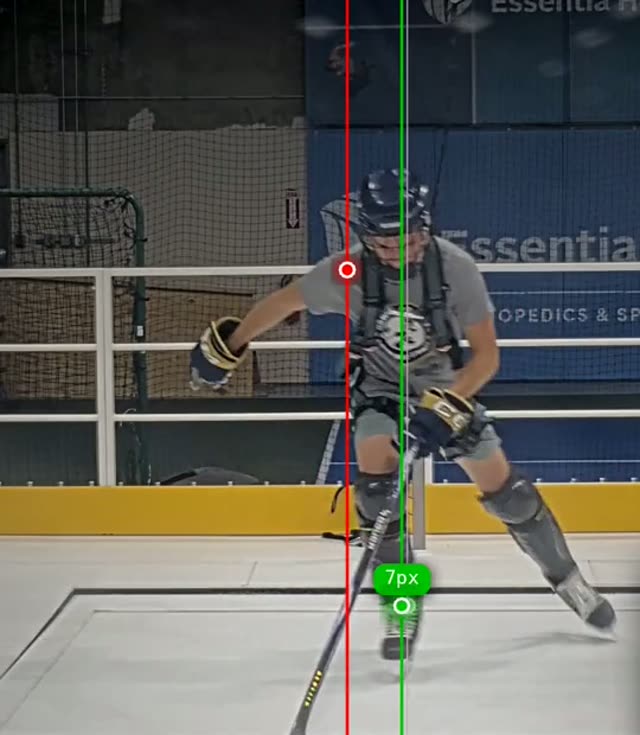
The first strides and the build-up of speed. The engine evaluates how the start is created: push-off frequency, the forward shift of the centre of mass, the hip-to-ankle line at push-off and knee stability under load.
Four steps, the same for every player and every session.
01
The player skates at a set speed and slope. Two cameras record the run; the recording app uploads it to the cloud and retries on its own if the connection drops.
02
The engine tracks key points of the body frame by frame and evaluates each rule: angles, distances, timing, left and right side.
03
Every position gets a value, a band and a video clip of the moment it was graded. A report opens from a link without a login, so players and parents can see it too.
04
Instructor holds 250+ drills on the treadmill; the coach picks the ones that address the positions marked Area for development. Live Delay shows the player the correction seconds later.
Of the 21 rules, here are ten a buyer can read without a coach: six from the Skating module, four from Acceleration. The optimal ranges themselves stay in the app.
Skating · 6
Measured at a steady speed over ten skating cycles.
Acceleration · 4
Measured during the first strides of a start.
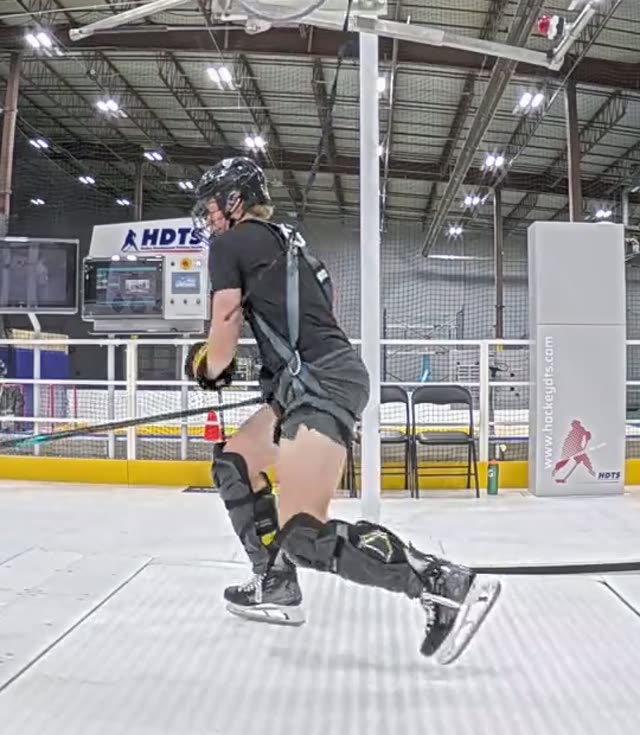
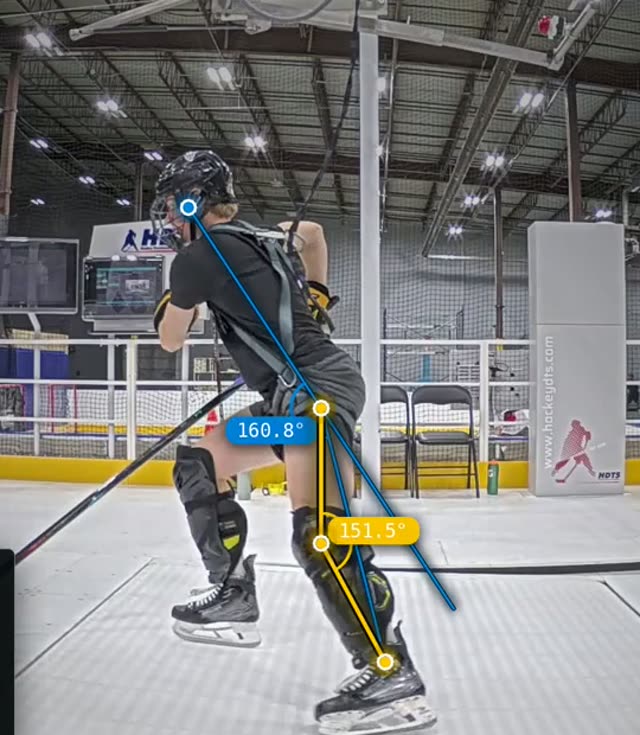
Stills from real HDTS Skating Analysis captures with the measurement overlay.
Two real HDTS Skating Analysis reports of the same athlete from a partner centre, recorded on the same day: a Skating run and an Acceleration run. Values and bands are the engine's own. Optimal ranges are not shown.
Athlete A · forward · partner centre, Duluth, MN
Skating run
Sep 15, 2026 · 16 km/h · slope -1°
Leg extension
Side camera
160°
Inner knee angle
Side camera
114.5°
Acceleration run
Sep 15, 2026 · 16 km/h · slope -2°
Real HDTS Skating Analysis reports from a partner centre (Duluth, MN, August and September 2026), anonymised with the centre's consent. The stills on this page come from HDTS demo footage and from the same centre and show other athletes than the values. Training data, not medical advice.
The app compares two runs of one athlete rule by rule, or two athletes side by side. Here are both, with real data.
Athlete C, Skating module, both runs at the same speed and slope. Every change is shown in the direction it went.
Leg extension
Side camera
First run
150.1°
Latest run
155.7°
+5.6° · better
Athletes A and B, Skating module, recorded on the same afternoon at the same speed and slope. Two technique profiles, one scale.
Leg extension
160°
Leg extension
Side camera
156.8°
Left/right positions show the weaker side.
Every Area for development in a report maps to work on the treadmill.
01
250+ video drills and ready-made training plans on the treadmill. The coach picks drills for the positions the report flagged.
02
Delayed video playback beside the treadmill: the player sees the repetition seconds after skating it and feels the correction.
03
The next analysis lands in the same trend view, so progress is a number the coach can show, not an impression.